


Table of Contents
A website accessibility audit is a structured review of your law firm's website against WCAG standards to ensure every user — including those with visual, auditory, motor, or cognitive disabilities — can access your content.
For law firms, this isn't just compliance. An inaccessible website creates ADA Title III exposure, excludes potential clients, and underperforms in SEO due to missing alt text and poor semantic structure.
In this guide, we cover how to audit for accessibility, what the most common failures look like, and how using an accessibility checklist for websites improves both compliance and search rankings.
Work with a web design team that builds WCAG compliance into every legal website. Explore our law firm website design.
What Is a Website Accessibility Audit and Why Do Law Firms Need One?
A website accessibility audit is a systematic evaluation against WCAG 2.1 AA standards — the current benchmark under ADA Title III and the CVAA. It identifies barriers preventing users with disabilities from accessing your content or completing key actions (contacting the firm, submitting a form, navigating to practice area pages).
The legal exposure: the 9th Circuit ruling in Robles v. Domino's (2019) confirmed that websites serving the public are subject to ADA accessibility requirements. ADA website accessibility lawsuits file at 3,000–4,000 cases per year.
Law firms are not exempt. Beyond legal risk: approximately 26% of U.S. adults have a disability (CDC data). An inaccessible website excludes roughly one in four potential clients from engaging with your firm online.
Why Website Accessibility Matters for Law Firms Specifically
Three reasons accessibility carries specific weight for law firms: (1) Your potential clients — workers' comp claimants, disability benefits applicants, personal injury victims — frequently have physical limitations. They are the searchers your site must serve. (2) An inaccessible site with broken keyboard navigation signals poor attention to detail — the opposite of what a law firm should project. (3) Law firm website accessibility lawsuits are rising; settlements typically cost $25,000–$100,000. Proactive remediation costs a fraction of that.
Does Website Accessibility Affect Law Firm SEO?
Yes — and the connection is more direct than most law firm owners realize. The mechanisms that make a website accessible to users with disabilities largely overlap with the signals that make a website understandable and rankable by Google.
Alt text helps Googlebot understand images the same way it helps screen readers describe them to visually impaired users. A page with 34 images and no alt text is simultaneously inaccessible and losing potential image-search signals.
Semantic HTML structure — proper H1/H2/H3 hierarchy, labeled form fields, descriptive link text — helps both screen readers and Googlebot understand page structure. JavaScript-rendered navigation menus that screen readers struggle to parse are also harder for Googlebot to crawl correctly.
A family law firm's website used JavaScript-rendered navigation menus and had no alt text on any images. Screen readers and Googlebot both struggled with the navigation. After restructuring to semantic HTML and adding descriptive alt text across all pages, the site gained 44 newly indexed pages within 45 days and organic impressions increased 31%. The accessibility fix was the SEO fix.
Accessible website design also correlates with higher Core Web Vitals scores — another Google ranking signal. Properly structured, accessible pages tend to be faster and more stable than pages built with poor semantic foundations.
How to Run a Website Accessibility Audit: 5 Steps
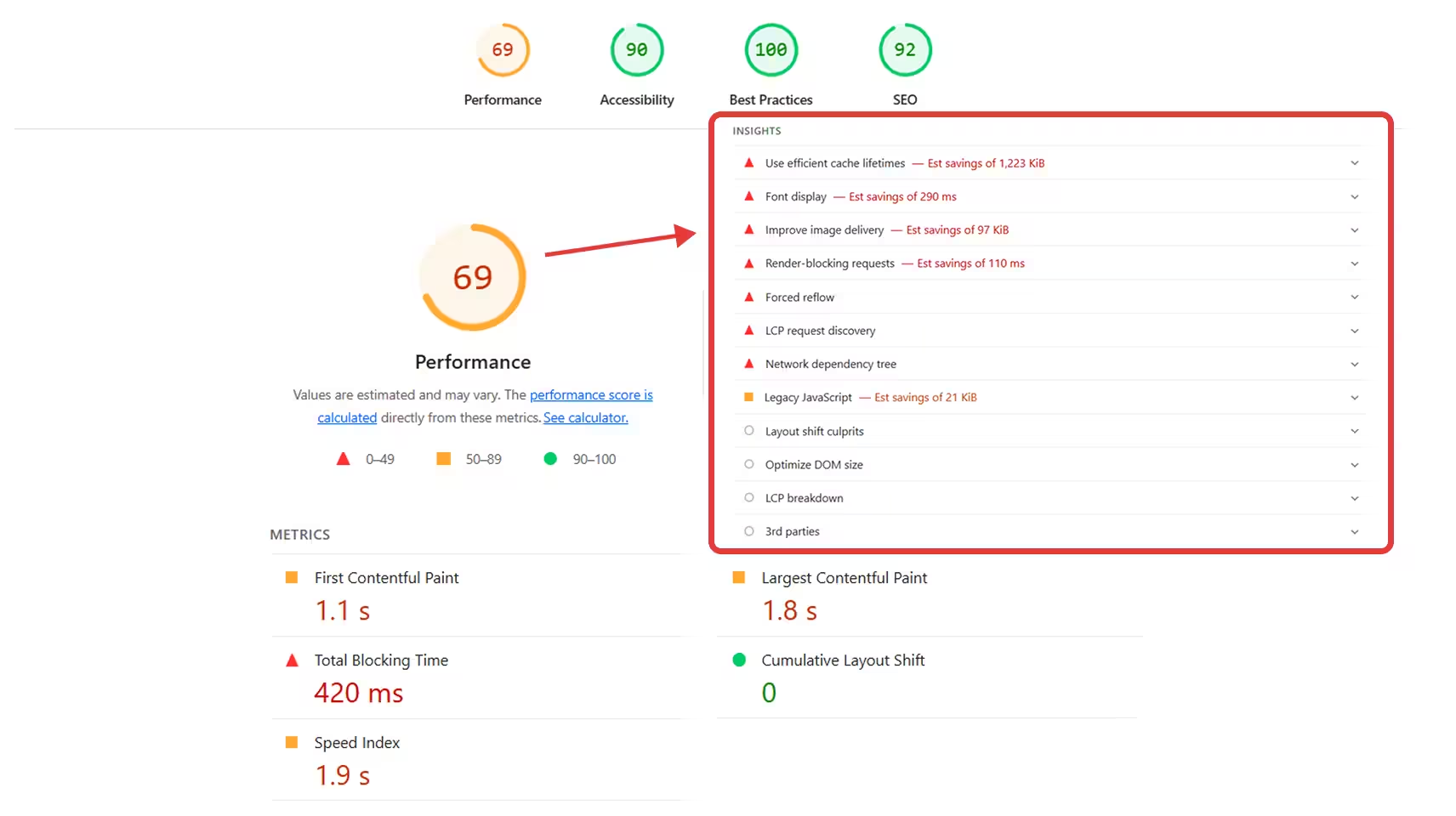
Step 1 — Automated scan: Run your website through Google Lighthouse (available in Chrome DevTools → Lighthouse tab) and WAVE (wave.webaim.org). Automated tools catch approximately 30–40% of WCAG failures — they're a starting point, not a complete audit.
Step 2 — Keyboard navigation test: Unplug your mouse and navigate the entire website using only Tab, Shift+Tab, Enter, and arrow keys. Can you reach every navigation item? Every form field? Can you submit the contact form? Can you tell where you are on the page at all times? Keyboard accessibility failures are invisible to automated tools and common on legal websites.
Step 3 — Screen reader test: Download NVDA (Windows, free) or use VoiceOver (Mac, built-in) and navigate your homepage and contact page. Does every image have a meaningful description read aloud? Are form fields announced correctly? Is the navigation order logical?
Step 4 — Color contrast check: Use WebAIM's Contrast Checker to verify text/background combinations meet the 4.5:1 minimum ratio for body text and 3:1 for large text. CTA button contrast failures are common on legal websites.
Step 5 — Form and document review: Every contact form input needs a visible, programmatically associated label. Placeholder text doesn't count. PDFs must be tagged for accessibility.
A personal injury firm failed a basic WCAG 2.1 AA audit: 34 images missing alt text, 12 form fields without labels, CTA button contrast below 4.5:1. After remediation, Google Lighthouse accessibility score improved from 51 to 94. Mobile bounce rate dropped 18% and form completions increased 23% within 60 days.
A high-converting legal website starts with an accessible, structured design. Read about our legal website design services.
Website Accessibility Checklist for Law Firms (WCAG 2.1 AA)
Use this checklist as a baseline audit framework. It covers the most common failure points on law firm websites.
A website accessibility checklist is a starting point — full WCAG 2.1 AA compliance requires manual testing. Use it to prioritize the most common and highest-impact failures first.
Accessible Website Design: Building In Compliance From the Start
Retrofitting accessibility onto an existing website costs significantly more than building it in from the start. A WCAG-compliant website design requires: semantic HTML element selection (nav for navigation, main for primary content, button for interactive elements — not div for everything), focus state styling on all interactive elements, accessible color palette selection before design is finalized, mobile-first responsive design with adequate tap target sizes, and form design with visible labels and descriptive error states.
Every website Grow Law builds includes WCAG accessibility compliance as a standard feature — not an add-on. Core Web Vitals optimization, legal-specific schema markup, and semantic HTML are integrated into the build process because they serve both accessibility and SEO simultaneously.
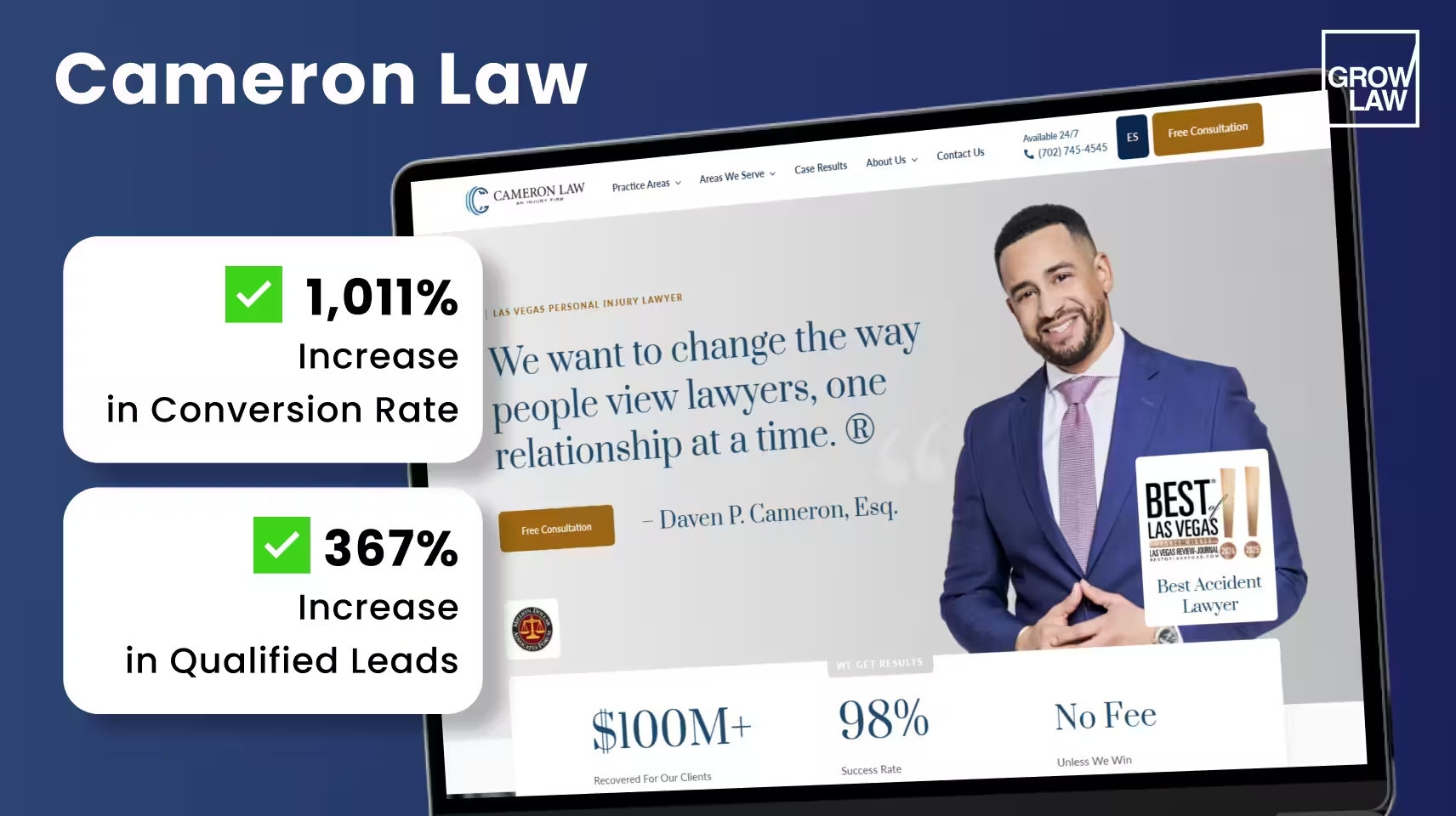
The conversion evidence: Newlin Law Offices achieved a 106% increase in conversion rate and 300% increase in qualified leads after working with Grow Law. Omar Ochoa Law saw a 170% increase in conversion rate — results that require a website performing equally well for all users, including those using assistive technologies or low-performance mobile devices. Cameron Law achieved a 1,011% CR increase after a full website rebuild that included accessibility and performance optimization alongside SEO.
Summary
- A website accessibility audit evaluates your site against WCAG 2.1 AA — the legal standard for ADA Title III compliance
- ADA website lawsuits against law firms are rising — a proactive audit costs far less than a settlement
- Accessibility and SEO overlap significantly: alt text, semantic HTML, and structured forms help both screen readers and Googlebot
- Automated tools catch 30–40% of failures — keyboard navigation and screen reader testing are required for a complete audit
- Build accessibility in from the start: retrofitting is 3–5x more expensive than compliance-first design
- Accessible websites convert better for all users — a personal injury firm saw 23% more form completions after accessibility remediation
Build a legally compliant, high-converting law firm website from the ground up. Explore our attorney website design.
Frequently Asked Questions

Compare Your Practice Instantly
Stay Ahead of the Competition!
Compare your law firm's performance to Local competitors with our instant assessment tool
Get a clear picture of your firm's performance
Boost your online presence
Compare My Firm
Compare Your Practice Instantly
Stay Ahead of the Competition!
Compare your law firm's performance to Local competitors with our instant assessment tool
Get a clear picture of your firm's performance
Boost your online presence
Compare My Firm
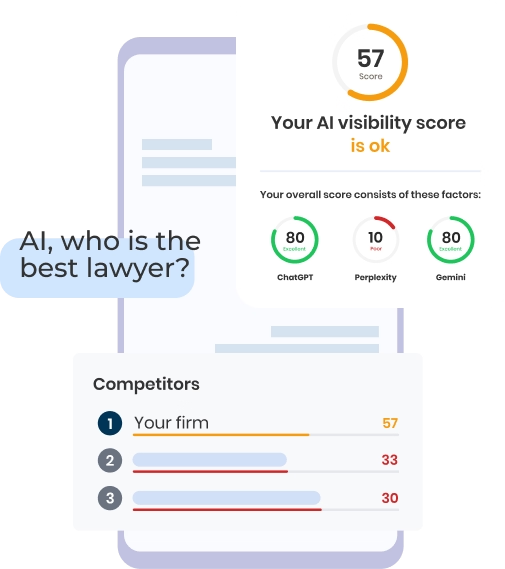
Check Your AI Visibility Instantly
Find Out What AI Is Telling Your Potential Clients
Run our free AI Visibility Report to:
See how often top AI tools mention your law firm
Spot which competitors show up first
Get the next steps to capture more cases
Run My Free AI Report
.avif)
.avif)
.avif)

