


Table of Contents
Potential clients size you up and decide whether to book a consultation with you based on what they see on your website.
It’s high stakes. While the conversion rate for a website is 2-3%, you could push that number even higher with a good law firm website builder.
Since 2008, we've built over 100 websites for law firms, across every practice area from immigration to PI law. The biggest mistake firms make is picking a builder that's fast and cheap now, but caps their growth in 6 months.
In this guide, we break down the 5 best website builders for law firms in 2026 and what they cost. We'll also cover when a DIY builder isn't enough and law firm website design is the smarter move. Compare those platform costs with Grow Law's website design pricing.
What Is a Law Firm Website Builder and Do You Need One?
A website builder (or CMS, content management system) is a platform that lets you create and manage a website without writing code. You pick a template, drag in your content, and publish.
If you need a basic online presence without a large upfront investment, that's a reasonable starting point.
We’ll say that again: It’s a reasonable starting point.
Find Law reports that over 75% of prospects visit at least 2-5 websites before contacting an attorney. The competition is intense. People do not have the patience to put up with a bad site.
Unfortunately, most law firm website builders are made for general business use. They're not designed to perform with fast load times (under 3 seconds), proper schema markup, conversion-optimized layouts, and the kind of technical SEO architecture for competitive legal markets in New York and California.
Sure, you can build a site on Wix this weekend, but whether that site ranks and books consultations is a different question entirely.
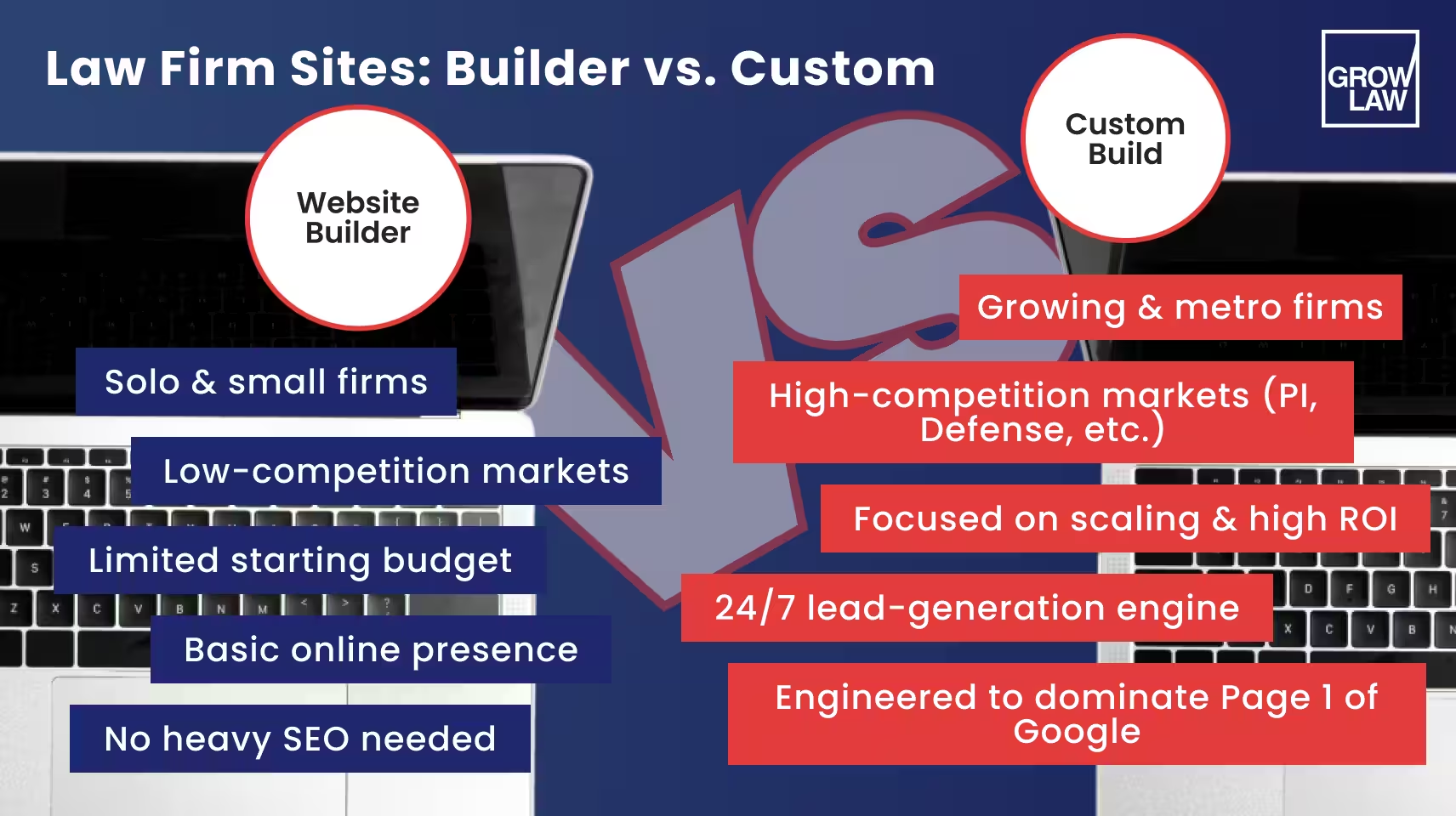
So, do you need a law firm website builder or a custom build?
| Website Builder | Custom Agency Build | |
|---|---|---|
| Best for | Solo attorneys, low-competition markets, tight budgets | Competitive markets, high-value practice areas, growth-focused firms |
| Time to launch | Days to weeks | 6–12 weeks |
| Upfront cost | Low ($0–$50/month) | Higher ($5,000–$20,000+) |
| SEO ceiling | Moderate, depends heavily on platform | High, built for technical performance |
| Schema markup | Limited or manual | Full legal schema, structured data |
| Conversion optimization | Template-based | Custom to your firm and practice area |
| Scalability | Can hit limits as firm grows | Built to grow with you |
CMS for law firms is not all bad. Webflow and WordPress can support serious SEO performance, especially with the right team behind them.
But if you're in a competitive metro market targeting high-value practice areas, a legal website builder alone rarely gets you there. How do we know this?
Back in 2023, when Omar Ochoa Law, a competitive Texas PI lawyer, came to Grow Law, we implemented a full website redesign. With our expertise, the firm saw a 1,087% surge in qualified leads, while cost per qualified lead dropped 86% — very hard to get that from a template.
The decision isn't about the builder itself. It’s the expertise. If you're serious about growth, it's worth exploring your law firm website design options before you commit to a platform.
What to Look for in a Law Firm Website Builder
We’ll keep this honest. Not every legal website builder on this list is worth your time (or money).
Before you commit to any platform, keep a few essentials in mind:
- SEO capability — Does the platform support custom schema markup, clean URL structures, and XML sitemaps? Can you control redirects, canonical tags, and page speed? In competitive legal markets, this is vital for your online visibility.
- Core Web Vitals performance — Google uses CWV as a ranking factor. Your builder needs to produce fast, stable pages out of the box. You should not need a developer to fix what the template broke.
- Mobile performance — 64% of potential clients use a mobile device, either exclusively or alongside a desktop, to find an attorney. If your site takes longer than 3 seconds to load or looks messy on mobile, consider every visitor a lost prospect.
- Conversion features — Look for native support for contact forms, click-to-call buttons, live chat integration, and clear calls to action.
- Hosting reliability — Uptime, SSL, page speed, and DDoS protection all affect both user experience and search rankings. More on this in the hosting section below.
- Compliance readiness — ADA/WCAG accessibility compliance is increasingly expected and, in some jurisdictions, legally required. Check whether your platform supports it or requires custom development to get there.
Of all the legal website builders we've tested and built over the last 18 years, Webflow and WordPress consistently check the most boxes. More on them below.
Top 5 Website Builders for Law Firms: The Pros, Cons, and Cost
Here's how the top 5 web development for attorney platforms stack up in 2026.
Our team added honest assessments of their SEO capability, pricing, and where each one hits a ceiling.
1. Webflow
Webflow is a visual web development platform that lets designers and developers build fully custom, code-clean websites without writing everything from scratch.
It translates your design into semantic HTML, CSS, and JavaScript. This means the output is fast, clean, and structurally sound for search engines.
It's also the platform we build on at Grow Law. 80% of client sites we launch are built on Webflow, and with our SEO, those sites mostly rank on page one.
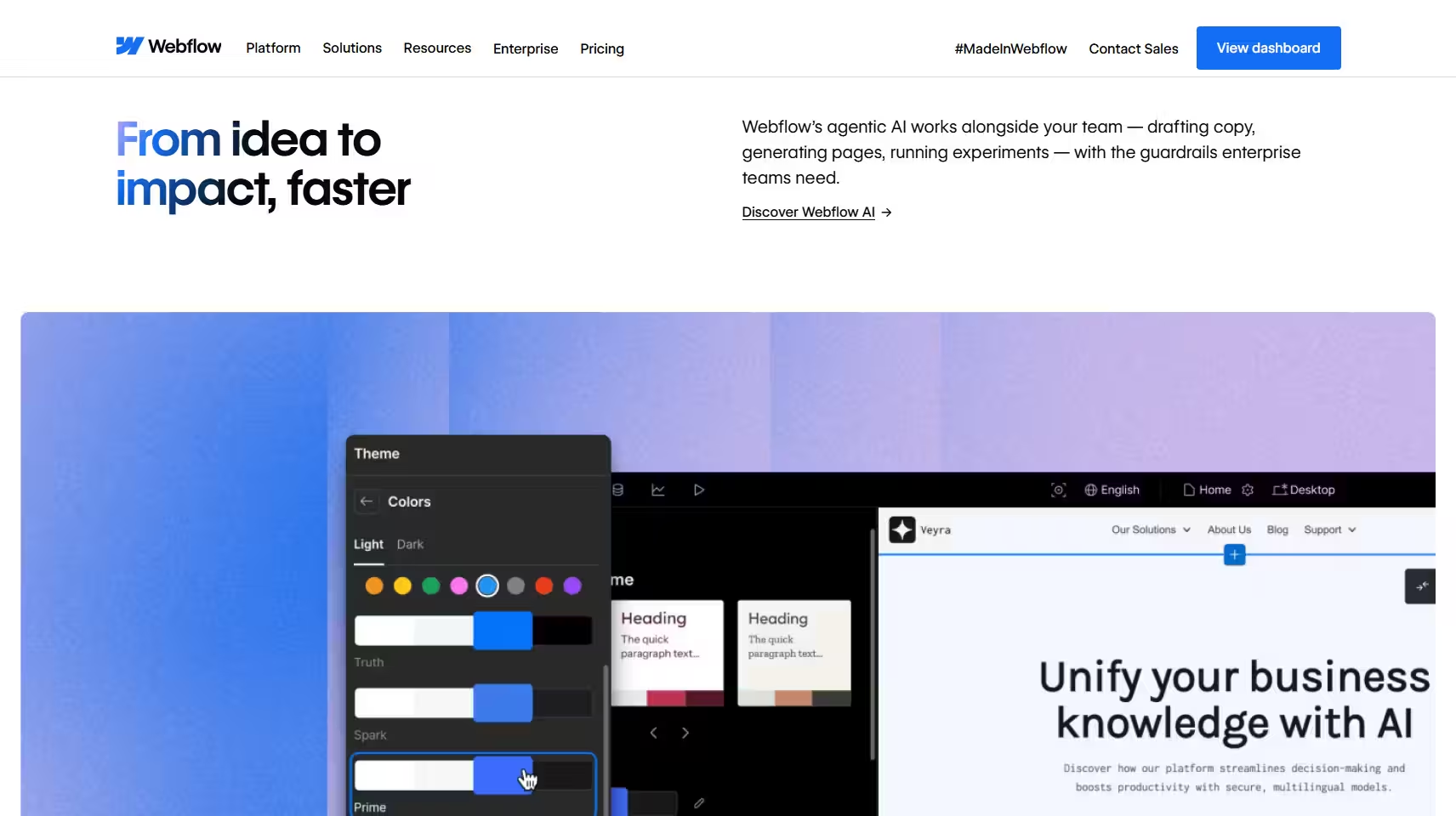
Pricing (2026): Free plan available. Paid site plans start at $15/month (Basic) and $25/month (Premium), billed annually. Team and Enterprise plans are available for larger organizations.
Pros
- Clean semantic code that supports strong technical SEO
- Full control over schema markup, URL structure, redirects, and canonical tags
- Managed hosting with SSL included, no third-party host needed
- Integrates with 300+ tools, including Clio
- Purpose-built for custom website development for attorneys when paired with an experienced agency
Cons
- Steeper learning curve than Wix or Squarespace (be wary of this)
- Desktop/laptop required for editing, no mobile editing app
- Best results require a developer or agency; DIY builds rarely maximize the platform
SEO capability: Excellent. Full schema support, CWV-optimized output, complete URL, and redirect control. The platform we use for all client builds precisely because it doesn't impose technical ceilings. Easily one of the best website builders for law firms out there.
2. WordPress
WordPress powers roughly 43% of all websites on the internet. It's free, open-source, and endlessly customizable through 100,000+ themes and plugins.
In our opinion, it remains one of the most SEO-capable platforms available, particularly when paired with plugins like Yoast SEO and a well-configured law firm website hosting environment.
WordPress.org (self-hosted) is different from WordPress.com (hosted). For serious law firm SEO, self-hosted WordPress with a quality managed hosting provider is the standard.
WordPress.com plans are easier to set up but you will trade flexibility for convenience.
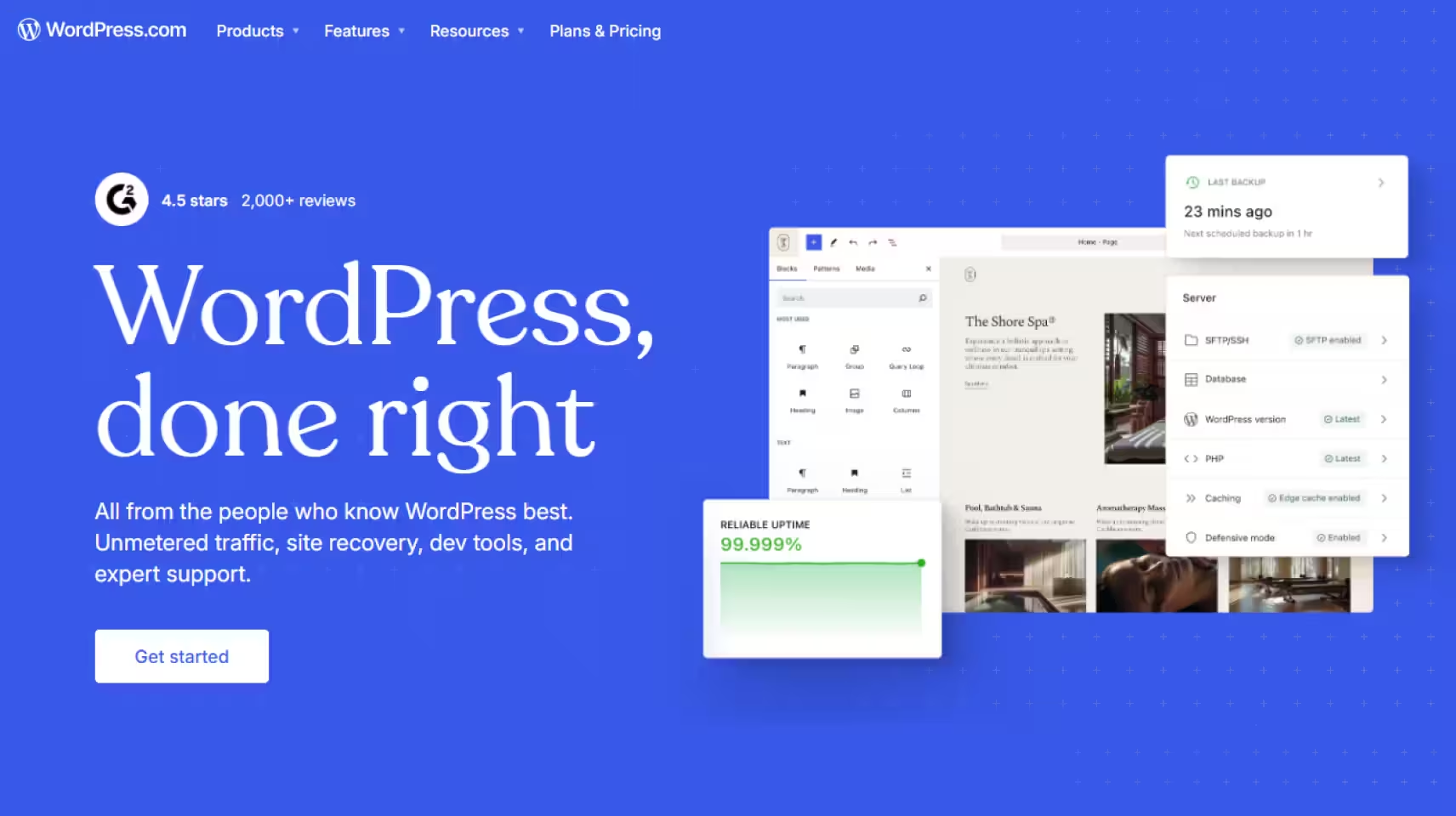
Pricing (2026): WordPress software itself is free. WordPress.com hosted plans start at approximately C$5/month (Personal) up to C$59/month (Commerce), billed annually.
Self-hosted WordPress requires separate hosting, typically $20–$50/month for managed providers like WP Engine or Kinsta.
Pros
- Unmatched flexibility, virtually unlimited design and functionality options
- 60,000+ plugins including best-in-class SEO tools
- Scales from solo practitioner to large multi-location firm
- Strong developer ecosystem, easy to find talent
Cons
- Requires a third-party host for self-hosted installs, adding cost and management overhead
- Plugin conflicts and updates require ongoing maintenance
- Security vulnerabilities increase with plugin volume if not managed properly
SEO capability: Excellent when properly configured. Full schema support via plugins, complete technical control, strong CWV performance on quality law firm website hosting. Requires more setup than Webflow but has no technical ceiling.
3. Wix
Wix is the most beginner-friendly legal website builders and web development for attorney options. But it has come a long way from its reputation as a beginner-only platform.
We love that it now supports over 900 customizable templates, a full-stack development option through Velo by Wix, built-in SEO tools, and multi-cloud hosting with 99.99% uptime.
If you’re a solo attorney or run a small firm who needs a professional and functional web builder without a developer, Wix is a reasonable CMS for law firms option. Solo attorneys who want a managed growth plan can explore our solo attorney marketing service.
The ceiling, however, is real. Wix's technical SEO capabilities lag behind Webflow and WordPress. Their schema markup is limited, URL structure customization has constraints, and the platform's architecture isn't designed for the kind of crawl optimization competitive legal markets require.

Pricing (2026): Free plan available. Paid plans start at $17/month (Light) up to $159/month (Business Elite), billed annually.
Pros
- Drag-and-drop editor with pixel-level control
- All-in-one platform, hosting, marketing tools, booking, and payments included
- 24/7 customer support
- 99.99% uptime on multi-cloud law firm website hosting
Cons
- Limited technical SEO depth compared to Webflow and WordPress
- Can't switch templates after publishing without rebuilding
- Websites are not portable if you decide to migrate platforms
SEO capability: Moderate. Basic on-page SEO tools are solid. Schema support is limited and not easily customized. CWV performance is inconsistent across templates.
All in all, Wix is fine as a website development for attorneys in low-competition markets; not recommended for competitive metro markets or high-value practice areas.
4. Squarespace
Squarespace is the design-forward web development for attorneys choice. It has clean layouts, polished templates, and a straightforward editing experience. It handles hosting, security, and maintenance out of the box, making it genuinely easy for attorneys who want to handle their own site.
We’ve noticed the appointment scheduling, invoicing, and basic e-commerce are all built in.
For a solo practitioner focused on a professional online presence rather than aggressive SEO growth, Squarespace works. For a firm competing seriously for local search traffic, it falls short on technical depth.

Pricing (2026): Plans start at approximately CA$21/month (Basic) up to CA$109/month (Advanced), billed annually. A 14-day free trial is available, no credit card required.
Pros
- Stunning templates with a consistent, professional aesthetic
- All-in-one hosting, security, and maintenance
- Built-in scheduling and payment tools
- 14-day free trial
Cons
- Limited schema customization and technical SEO control
- No true multi-language support
- Customer support via email only, no phone support
SEO capability: Basic to moderate. Built-in SEO features cover fundamentals well. Schema markup options are limited and not easily customized for legal-specific structured data.
CWV performance is generally acceptable. Best suited as a website development for attorneys option in low-to-mid competition markets.
5. LawLytics
LawLytics is the only web development for attorneys platform on this list built exclusively for law firms. For a broader acquisition program, explore our small law firm marketing services. It handles website setup, design, hosting, and maintenance, and its built-in content generator lets attorneys publish practice area pages without needing a copywriter.
For a solo practitioner who wants a legal-specific platform with minimal technical overhead, the proposition is clear.
The tradeoff is control. LawLytics is a closed platform. You don't own your website in the way you would on WordPress or Webflow, and migrating away is difficult.
We’ve also seen their technical SEO customization is limited, and firms in competitive markets have reported hitting the platform's ceiling on local search rankings.
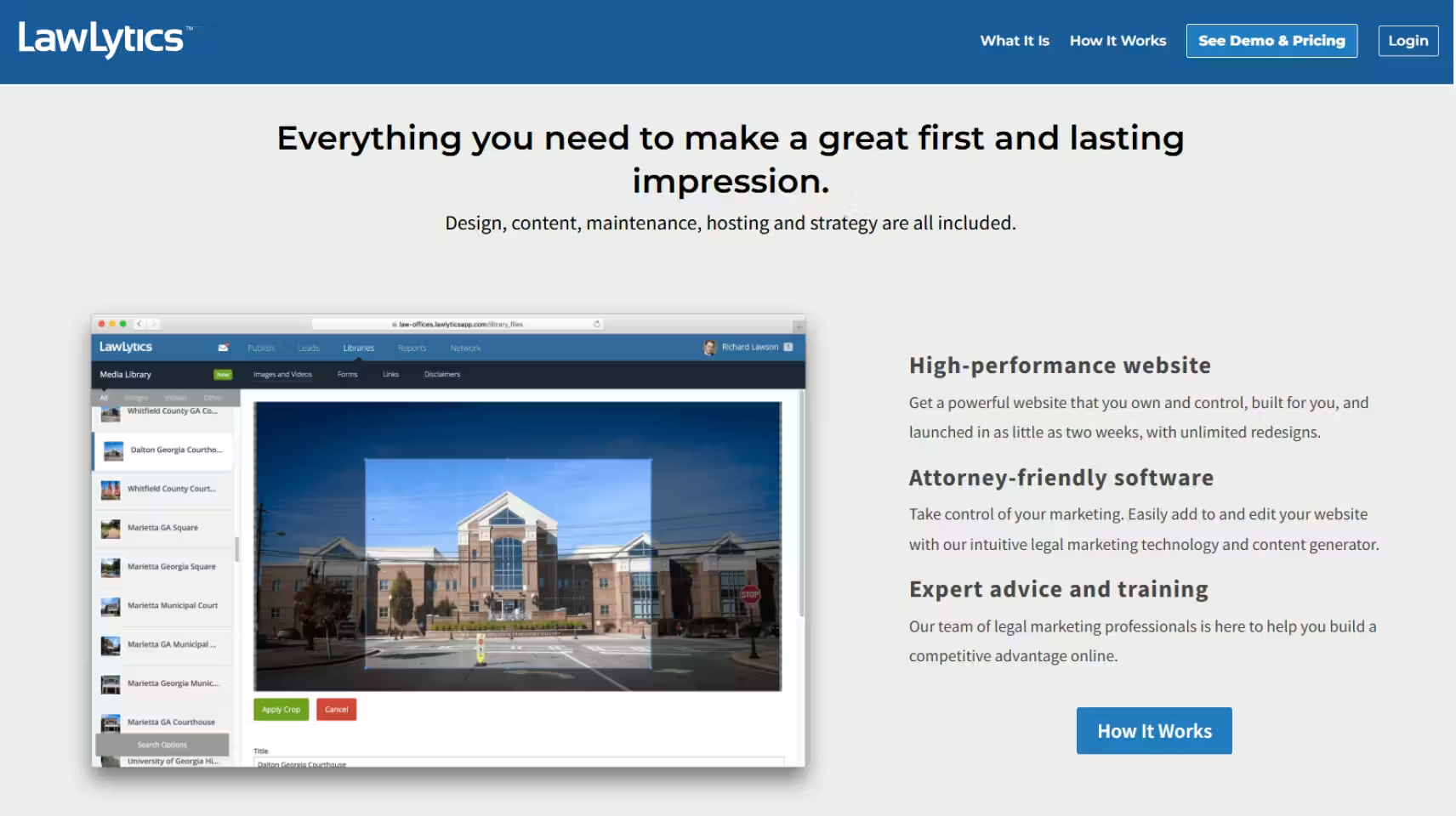
Pricing (2026): Approximately $150–$179/month on annual billing, or $225–$320/month on month-to-month plans. Exact pricing depends on firm size and support level.
Pros
- Built specifically for law firms, legal-specific templates and content tools
- Includes hosting, maintenance, and security
- Built-in content generator for practice area pages
- No long-term contract required
Cons
- Limited technical SEO control, schema markup and crawl architecture are not fully customizable
- You do not own your website, migrating away is complex
- Higher monthly cost than general-purpose builders with similar SEO output
- Not suitable for firms competing aggressively in high-volume local search markets
SEO capability: Limited. Good for baseline on-page SEO, but lacks the technical depth for competitive legal markets.
In 2024, a Miami immigration firm we worked with found that LawLytics' platform constraints prevented them from ranking for competitive local terms. Their law firm SEO Miami strategy only began working after they migrated to a custom WordPress stack.
Other Options: Drupal and Joomla
Drupal and Joomla are both free, open-source CMS platforms with strong customization capabilities.
It’s worth knowing they exist, but for most law firms in 2026, they're not practical choices as far as website development for attorneys goes.
We’ve noticed they both require significant developer expertise to set up and maintain, their market share has declined steadily, and neither offers the legal-specific tooling or the agency ecosystem that Webflow and WordPress do.
Unless your firm has an in-house developer with specific platform experience, stick with the 5 reviewed above.
Law Firm Website Hosting in 2026: What You Must Know
Most attorneys spend weeks agonizing over their website design and about 10 minutes thinking about hosting.
But hosting is the foundation that everything else sits on.
A slow server makes for a slow website. An unreliable host takes your site offline during peak hours. And a hosting environment with weak security puts your clients' intake data at risk.
What should you research for law firm hosting?
- Uptime — Your host should guarantee 99.9% uptime or better. Anything less means your site is periodically invisible to both clients and Google. Wix and Webflow's managed hosting both run on multi-cloud infrastructure with 99.99% uptime.
- Page speed — 47% of websites fail the speed test (they take longer than 3 seconds to load). A slow server adds latency before your page even starts loading. If you're on shared hosting, you're sharing server resources with potentially hundreds of other sites. Their traffic spikes become your problem.
- SSL certificate — Non-negotiable. Every law firm site needs HTTPS. Most reputable hosts include SSL automatically. If yours charges extra for it, find a different host.
- DDoS protection — Law firms are not immune to attacks. A host without DDoS protection can be taken offline by targeted traffic floods. Enterprise-grade hosts and managed platforms handle this automatically.
- Security and backups — Daily backups and active security monitoring matter, especially if you're collecting intake forms with sensitive client information.
— Why $3/month Shared Hosting is a Mistake
Cheap shared hosting is designed for hobby blogs, not businesses that depend on their website to generate revenue.
On a shared server, your site competes for resources with hundreds of others. Load times suffer. Security protocols are minimal. Support is slow. And when something breaks (like a plugin conflict, a traffic spike, a server outage) you're in a queue.
For a law firm spending $2,500+ on SEO, running it all through a $3/month host is like building a high-performance engine and putting the cheapest gas in it.
— Webflow Managed Hosting vs. Self-Hosted WordPress
| Webflow Managed Hosting | Self-Hosted WordPress | |
|---|---|---|
| Setup | Included — no configuration needed | Requires choosing and configuring a host |
| Speed | Fast out of the box, global CDN included | Depends on host quality and configuration |
| Security | Managed by Webflow; SSL, DDoS included | Your responsibility, or your host's |
| Maintenance | Handled automatically | Plugin and server updates required |
| Cost | Included in Webflow plan | $20–$100/month for quality managed hosting |
| Control | Limited server-level access | Full access, more flexible, more responsibility |
| Best for | Firms that want performance without the overhead | Firms with developer support or a technical agency |
Neither is the "wrong" answer; they just serve different needs. Webflow's managed hosting is purpose-built for performance and removes the maintenance burden entirely.
Self-hosted WordPress on a quality managed provider like WP Engine or Kinsta gives you more control, but requires someone competent to manage it.
What's never the right answer is cutting corners on hosting to save $30 a month while paying $2,500 a month for SEO.
Website Builder vs. Custom Law Firm Website: Which Is Right for You?
This is the question we get asked more than any other. And our honest answer is: It depends on what you're trying to win.
A website builder gets you online. A custom-built site gets you consultations. Understanding the difference can save you years of frustration and a costly migration down the road.
Here's a simple decision framework to pick a CMS for law firms.
Choose a builder if:
- You're a solo practitioner or small firm in a low-to-mid competition market
- You're establishing your first online presence and the budget is a real constraint
- You don't need to rank for high-value, high-competition keywords in a major metro area
- You have someone in-house who can manage content and basic updates
Choose a custom build if:
- You're competing in a major metro market for high-value practice areas; personal injury, immigration, criminal defense
- You've already tried a builder and you're stuck on page 2 or 3 with no clear path forward
- Your firm is growing and your website needs to scale with it
- You want the site to function as a genuine case-generation engine
| Pros | Cons | Best For | |
|---|---|---|---|
| Wix | Fast setup, all-in-one, low cost | Limited technical SEO, not portable | Solo attorneys, low-competition markets |
| Squarespace | Beautiful design, easy to manage | Weak schema support, limited SEO depth | Boutique firms focused on brand over search |
| LawLytics | Legal-specific, low maintenance | Closed platform, SEO ceiling, you don't own the site | Solo/small firms wanting a hands-off solution |
| WordPress (DIY) | Flexible, scalable, strong SEO potential | Requires maintenance and hosting management | Firms with technical support or a capable agency |
| Webflow (DIY) | Clean code, strong SEO, professional output | Steeper learning curve, best with an agency | Growth-focused firms with design and dev support |
| Custom Agency Build | Built for performance, no ceiling | Higher upfront cost, longer timeline | Competitive markets, high-value practice areas |
The table above isn't about which platform is best in a vacuum. A Wix site can be the right call for a solo practitioner in Boise. It's the wrong call for a PI firm in Los Angeles.
— The Hidden Price of a "Cheap" Website
Back in 2021, a solo estate planning attorney in Denver built her own Wix site. It looked professional, it was easy to manage, and it cost almost nothing to maintain.
By 2024, reality caught up with her: the site was ranking on page 7 for all her target keywords, her bounce rate was 78%, and she was generating fewer than 3 leads per month.
She came to us. After migrating to a custom Webflow build with proper SEO architecture and legal schema markup, she was on page 1 within 5 months. Bounce rate dropped to 44%. Leads increased to 14 per month.
Can Website Builders Handle Law Firm SEO?
Some can, up to a point. Website builders have gotten meaningfully better at SEO over the past 5 years. Most now support basic on-page fundamentals like meta titles, meta descriptions, alt text, XML sitemaps, and mobile optimization.
For a solo practitioner in a low-competition market like Billings, Montana, a city with around 200 attorneys compared to Chicago's 30,000, that's often enough to establish a workable presence.
But basic on-page SEO is the bare minimum.
What builders handle well:
- Meta titles and descriptions
- XML sitemaps and robots.txt
- Mobile optimization
- Basic image compression
- SSL and HTTPS
- Google Analytics integration
Where builders fall short:
- Schema markup — Legal schema (LegalService, Attorney, LocalBusiness) tells Google and AI platforms exactly what your firm does and where. Most builders offer minimal or no customizable schema. AI-powered search is making schema more important.
- Crawl architecture — How your site is structured internally affects how Google discovers and prioritizes your pages. Builders impose structural constraints that a custom build doesn't. You work within their architecture, not your own.
- Redirect control — When pages move or URLs change, clean 301 redirects preserve your SEO equity. Some builders handle this poorly or limit your control entirely, a serious problem during site migrations or content restructuring.
- Core Web Vitals — Builder templates vary wildly in performance. Many load unnecessary scripts and assets that drag down CWV scores. On a custom build, every element is intentional.
- URL structure — Logical, keyword-informed URL hierarchies matter for both rankings and user experience. Builders frequently constrain what URL structures are possible.
— How a Platform Switch Dropped Cost Per Lead by 73%
Back in 2024, a 4-attorney immigration firm in Miami spent $200 per month on a LawLytics subscription. The platform handled the basics well, their site looked professional and the content was solid.
The Problem
They couldn't rank for competitive local terms like "Miami immigration lawyer". The platform's limited technical SEO control meant they had no way to implement the crawl architecture and schema depth their market required.
The Solution
We migrated to a custom WordPress build with Grow Law's SEO stack, covering design and SEO.
Within 8 months: organic traffic up 520%, qualified leads up 280%, and cost per lead dropped from $390 to $105. Proof your platform makes a huge impact on your caseload!
Summary of the Best Website Builder for Your Firm
Every platform on this list can get your law firm online. The question is whether it can keep you competitive.
Here's the quick-reference breakdown:
| Best For | SEO Ceiling | Pricing From | Ownership | |
|---|---|---|---|---|
| Webflow | Growth-focused firms with agency support | High | $15/month | Full |
| WordPress | Firms with technical support, any size | High | Free + hosting | Full |
| Wix | Solo attorneys, low-competition markets | Moderate | $17/month | Limited (not portable) |
| Squarespace | Boutique firms focused on brand presence | Low–Moderate | ~CA$21/month | Full |
| LawLytics | Solo/small firms wanting hands-off management | Low | ~$150/month | None |
Grow Law's recommendation by firm type:
- Solo practitioner, low-competition market — Wix or Squarespace get you online cleanly and affordably. LawLytics is worth considering if you want a fully managed, legal-specific solution and aren't prioritizing aggressive SEO growth.
- Small firm (2–5 attorneys), mid-size market — WordPress with quality managed hosting is the move. The flexibility and SEO ceiling justify the setup investment.
- Growth-focused firm in a competitive market — Webflow, built by an experienced legal agency.
- Any firm that has already tried a builder and isn't ranking — Stop optimizing the wrong foundation. The platform is likely the ceiling, not the content.
Newlin Law Offices is a good example of making the right choice.
After a full website rebuild and SEO engagement with Grow Law, they saw 550% marketing ROI, 300% more qualified leads, and 575% growth in organic traffic.
That result didn't come from picking the right template. It came from a professional law firm website built on the right foundation with the right team behind it.
Ready to move beyond a builder that you might regret in 6 months? Book your free growth plan today.
Law Firm Website Builder Frequently Asked Questions
-
What is the best website builder for law firms?
The best website builder for law firms depends on your market and growth goals. For firms competing in major metros, Webflow or WordPress, built and optimized by an experienced legal agency, consistently outperform other platforms. For solo practitioners in lower-competition markets, Wix or Squarespace offer a solid, manageable starting point. There is no universal answer, but there is a right answer for your specific situation.
-
Do law firms need a website builder or a custom website?
Law firms need whichever option their market demands. A website builder works well for solo attorneys establishing a basic online presence in low-competition markets. A custom website is a better investment for firms competing seriously for high-value cases in major cities. The clearest signal you've outgrown a builder: you've been live for 12+ months, your content is solid, and you're still stuck on page 2 or 3.
-
What features should a law firm website builder include?
A law firm website builder should include strong SEO tools, schema markup support, clean URL control, XML sitemaps, alongside conversion features like contact forms, click-to-call buttons, and appointment scheduling. Mobile optimization, SSL security, reliable hosting, and WCAG accessibility compliance round out the essentials. Platforms that skip technical SEO depth in favor of design ease may look good but underperform in competitive search markets.
-
What is the best website builder for a small law firm?
The best website builder for a small law firm is WordPress or Webflow if SEO performance matters, and Wix or Squarespace if ease of management is the priority. For small firms that want a fully managed, legal-specific solution without hiring a developer, LawLytics is worth considering, with the caveat that you won't own the site and technical SEO control is limited.
-
Can website builders support law firm SEO?
Website builders can support law firm SEO at a basic level, meta tags, sitemaps, mobile optimization, and Google Analytics integration are standard across most platforms. Where they fall short is technical depth: schema markup customization, crawl architecture, and redirect control are limited or absent on platforms like Wix, Squarespace, and LawLytics. For competitive legal markets, that gap is significant enough to cap your rankings regardless of content quality.
-
What is the best CMS for law firms?
The best CMS for law firms is Webflow or WordPress, depending on your setup. Webflow offers a visually intuitive interface with clean, SEO code output, it's the platform Grow Law builds all client sites on. WordPress offers unmatched flexibility and a vast plugin ecosystem, making it the strongest option for firms with developer support. Both platforms give you full ownership, full technical control, and no ceiling on what's achievable.
-
How much does a law firm website builder cost?
Law firm website builder costs range from free to $160+/month, depending on the platform. Wix starts at $17/month, Squarespace from around $21/month, Webflow from $15/month, and LawLytics from approximately $150/month. WordPress software is free but requires hosting ($20–$100/month for quality managed providers). A custom agency-built law firm website typically starts at $5,000–$10,000 upfront, with ongoing SEO and maintenance costs on top.

Compare Your Practice Instantly
Stay Ahead of the Competition!
Compare your law firm's performance to Local competitors with our instant assessment tool
Get a clear picture of your firm's performance
Boost your online presence
Compare My Firm
Compare Your Practice Instantly
Stay Ahead of the Competition!
Compare your law firm's performance to Local competitors with our instant assessment tool
Get a clear picture of your firm's performance
Boost your online presence
Compare My Firm

Check Your AI Visibility Instantly
Find Out What AI Is Telling Your Potential Clients
Run our free AI Visibility Report to:
See how often top AI tools mention your law firm
Spot which competitors show up first
Get the next steps to capture more cases
Run My Free AI Report